NEED HELP INSTALLING?
 +1 (323) 307-7107
BUY NOW
+1 (323) 307-7107
+1 (323) 307-7107
The simplest way to enjoy a cleaner, faster Mac! With Nexa13’s MacCleaner, effortlessly remove junk files, unnecessary apps, and other unwanted data, while boosting your Mac's speed for top performance.
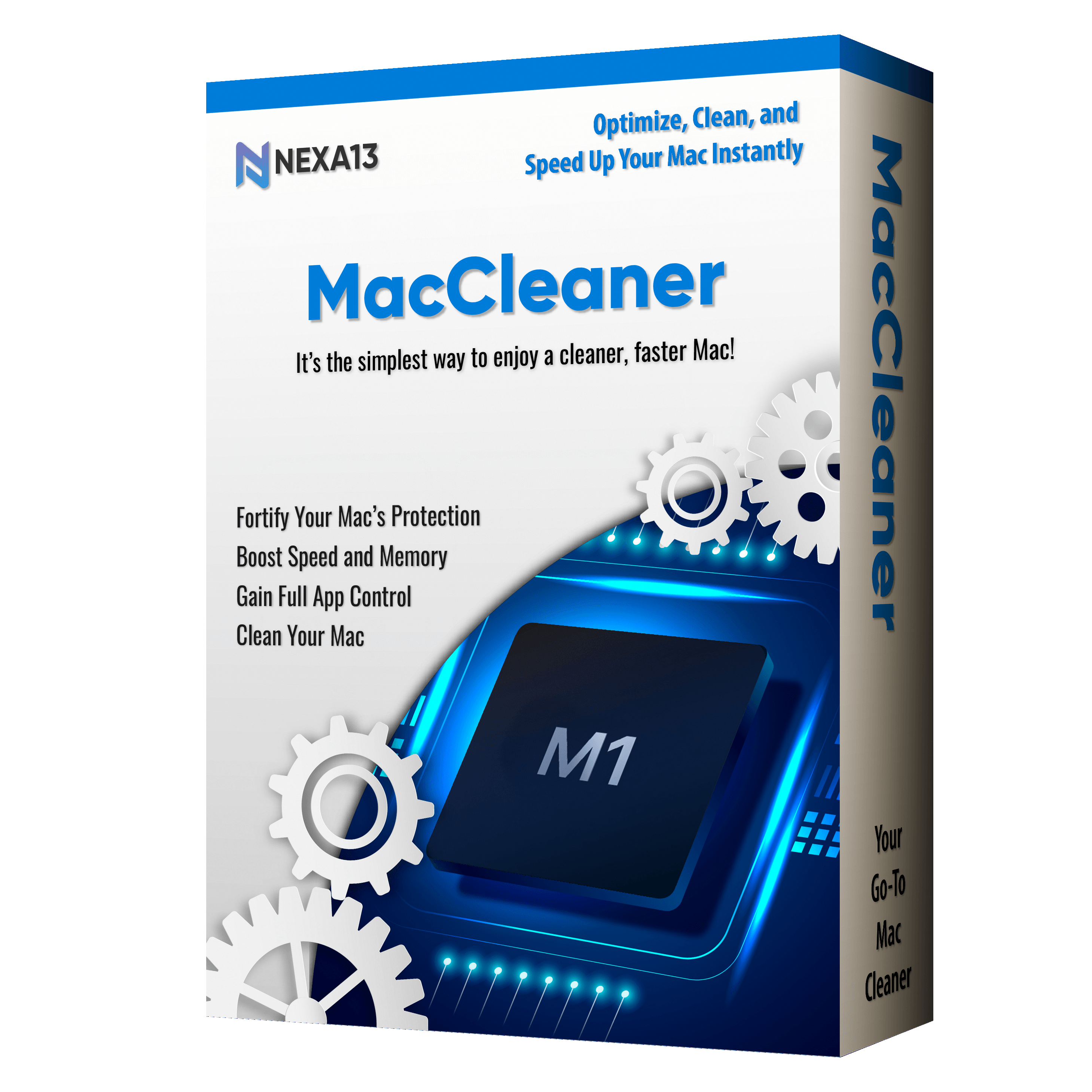
MacCleaner is your go-to tool for cleaning, speeding up, and protecting your Mac. It unlocks your Mac’s full potential and can make it run like new again. Some of the following features are only available in the Pro version.
 Easy to use – clean your Mac in just a few clicks.
 Safe – macOS certified and notarized.
 Regular updates for the latest macOS versions.
 24/7 dedicated support when you need it.
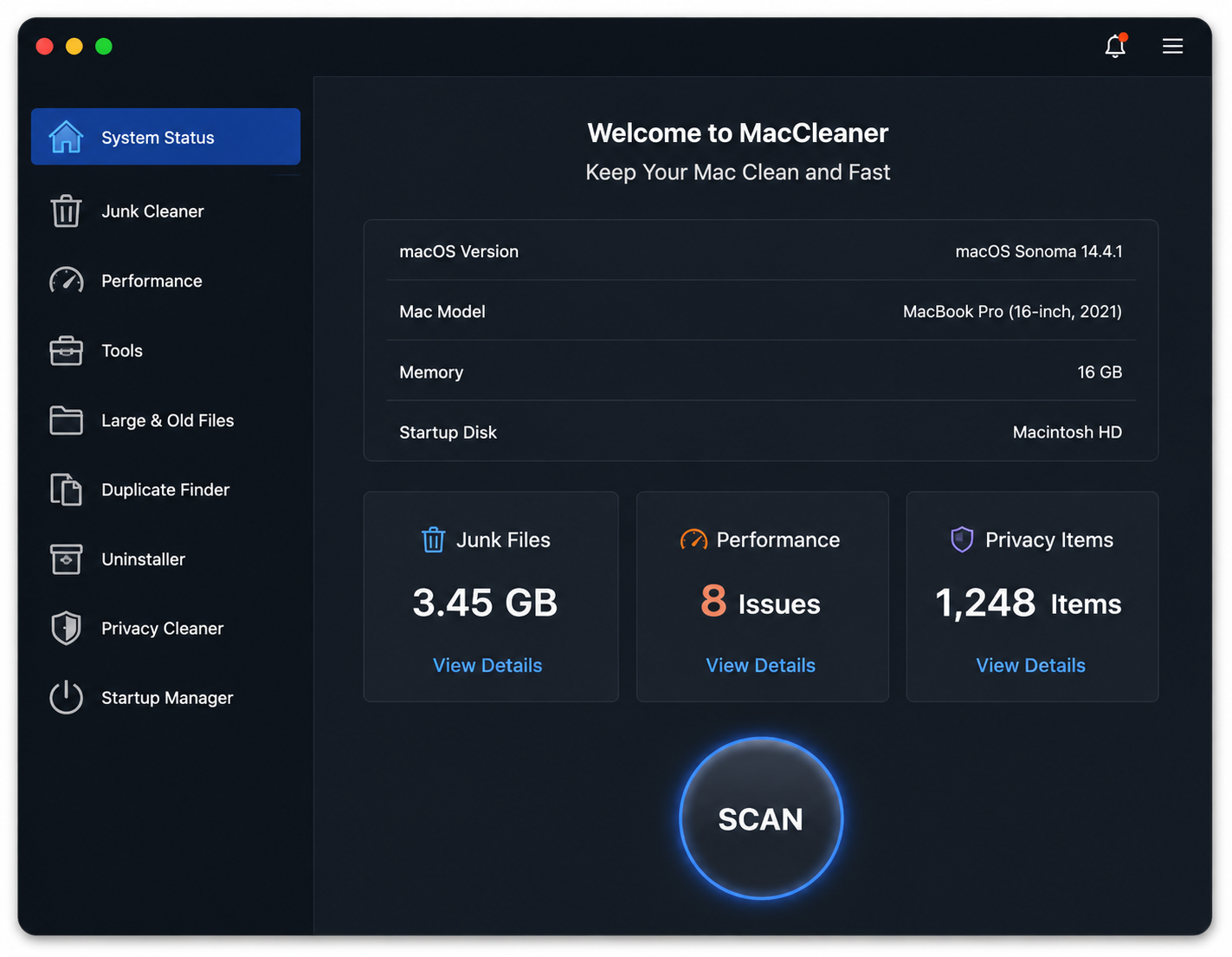


Nexa13 MacCleaner is the solution for all Mac issues. Everything you need to keep your Mac running perfectly. Some of the following features are only available in the Pro version.

Quickly delete big, forgotten or unused files, unfinished downloads, and other unused items faster and easier.

Clear up your Mac’s RAM memory just within a click and execute maintenance that makes your apps respond faster.

Select apps that require additional security and lock them. Once added to the lock list, these apps would only be accessed through the password that you set.

Remove tracking cookies to prevent advertisers from tracking your online activities.

Clean your system by mass deleting unwanted apps, plugins, and extensions.

Permanently shred files and folders from your Mac System to keep sensitive information secure.
Installing MacCleaner is as simple as it gets! Here are the steps to do it:
MacCleaner is a complete computer maintenance program. Here is how it works.
macOS 12.0 or later, 100 MB of space.
MacCleaner can be activated instantly in few simple steps:
Fill out some info and we will be in touch shortly.
Download now, or call/chat with us for questions or to help with installation.
 +1 (323) 307-7107

Nexa13 subscriber bonus
Free gifts and discounts up for grabs with a minimum of 10% discount on your first order.
Take one spin for a chance to win discounts, free gifts and software!
 BUY NOW


