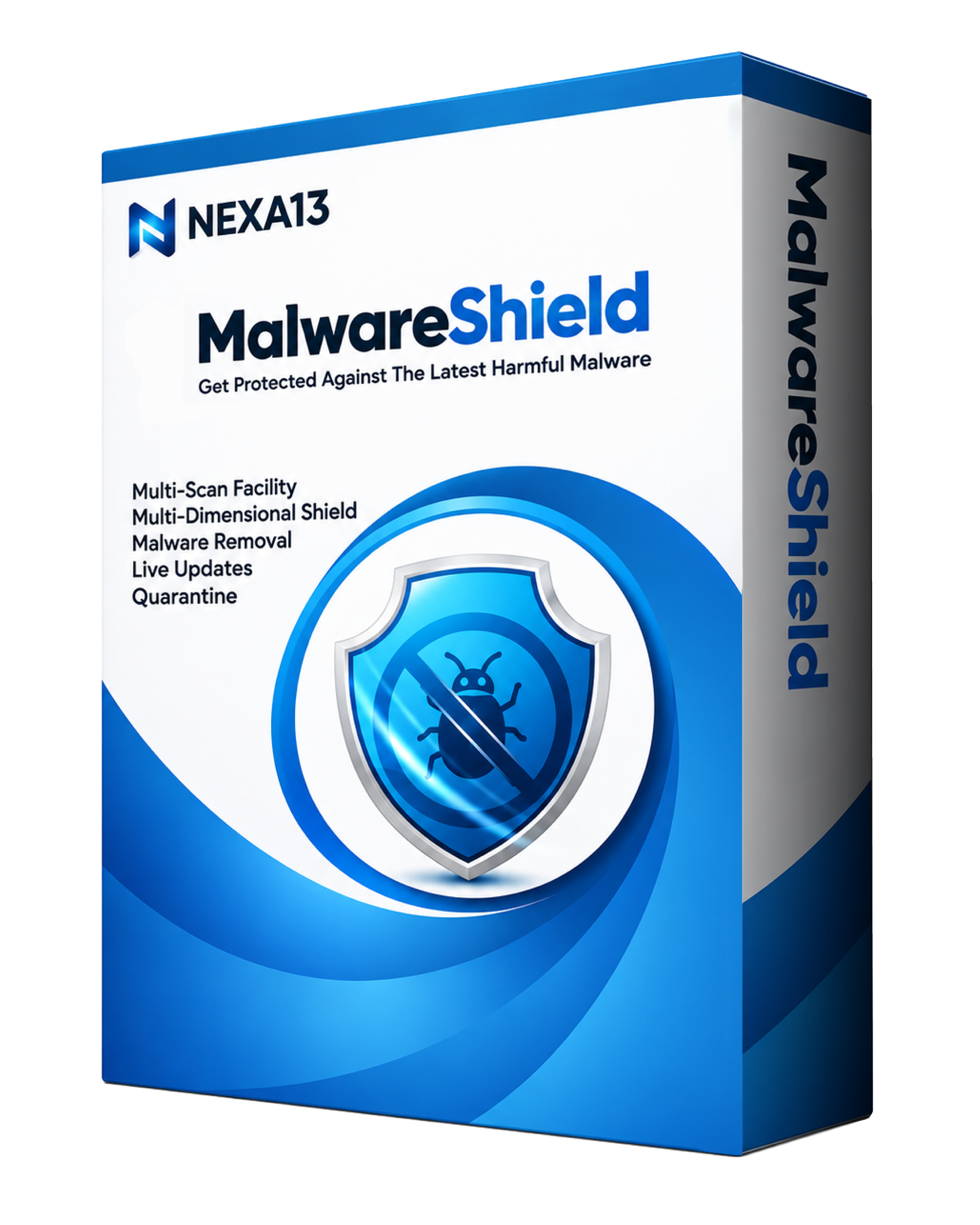
Get Protected Against the Latest Harmful Malware

Malicious malware is transforming with time and your old anti-malware may fail. Don't settle for less when you can ensure optimal protection by removing harmful malware in just one click with MalwareShield.

Download EASY DOWNLOAD
Security 100% SAFE & SECURE
Support 24/7 EXPERT SUPPORT
Malware Shield

Why do you need MalwareShield?

MalwareShield is developed and designed by applying the latest security algorithms, helping you bypass new malware attacks. Some of the following features are only available in the Pro version.

Notifications

Multi-Scan Facility

MalwareShield offers a multi-scan feature that you can use to locate malware on your PC. Run a Quick or Deep Scan and proceed towards a safer experience.

Restore

Live Updates

There’s new malware every day and it’s important that your anti-malware knows about the latest threats. Live Updates help protect you against any new malware.

Backup

Quarantine

Quarantine is isolating a malicious file that may harm your PC and the data on it. MalwareShield lets you use the infected files without further damage.

Schedule

Malware Removal

Don't settle for less when you can ensure optimum protection by removing harmful malware in just one click with MalwareShield.

Speed

Multi-Dimensional Shield

MalwareShield provides a range of protection shields on your Windows, internet and startup. This way, you’re protected from all vulnerable dimensions.
What Else Do You Get?

MalwareShield does even more than just protect your device from basic malware.

  • Protective Shield on Your PC

MalwareShield is focused on providing you with a protective shield against the most harmful and malicious malware that are capable of disfiguring your confidential information and finances.

  • 24/7 Technical Support

Not tech-savvy? Our team of engineers is always there to help you secure your computer and the data on it. Just reach out to us and the support engineers will take care of any issue you may be facing.

MalwareApp

Frequently Asked Questions

Installing MalwareShield is as simple as it gets! Here are the steps to do it:

  1. Click the download link in the confirmation page or email sent to you.
  2. Wait for the setup to download.
  3. Once the setup downloads, right-click on it and select Open.
  4. Allow the setup file to scan your device.
  5. You’re all set!

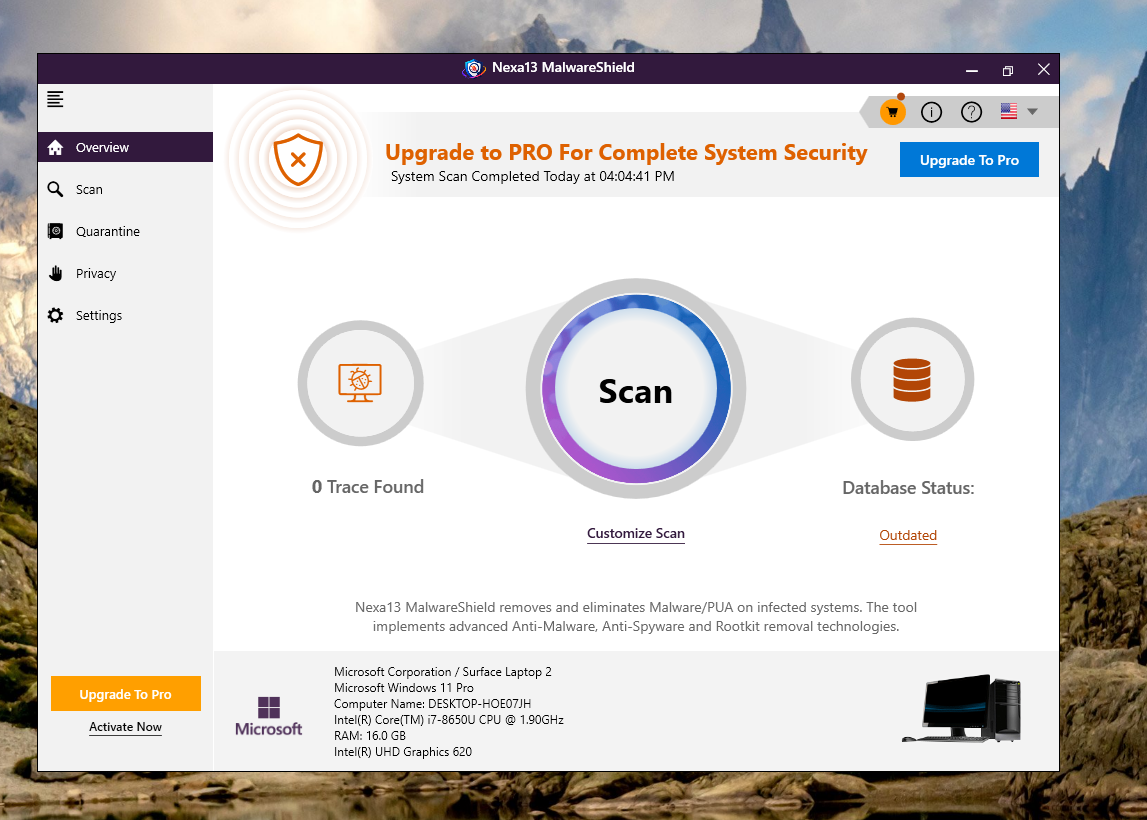
Nexa13 MalwareShield offers you a multi-scan feature that you can use to locate malware on your PC. Run a Quick or Deep Scan and proceed towards a safer experience.

  1. Once you run the scan, it thoroughly inspects the device for active traces of malware.
  2. After a few seconds, it displays the scan results on the screen along with the call to action to fix the issues.
  3. From there, you can remove malware traces manually, or upgrade to Pro to remove in one click.

MalwareShield Pro can be activated instantly in few simple steps:

  1. Launch MalwareShield.
  2. In the lower left corner, click Activate Now.
  3. If you already have an activation code, paste the code in the box provided and click on Activate Now.
  4. If you want to upgrade, click the Upgrade Now button. Follow the steps to make the required payment and copy the activation code that you get.
Get In Touch

We’d love to hear from you!

Fill out some info and we will be in touch shortly.

Pin Icon

15001 Meridian Parkway, Suite A, Riverside, CA 92518

Get Your PC Running at Its Best Today!

Download now, or call/chat with us for questions or to help with installation.

NEED HELP INSTALLING? Phone Icon +1 (323) 307-7107
BUY NOW